

Good news!
Managing your online bookings is now easier with ZenSoft.
Our online booking feature now lets you inform your clients via email that their reservation has been confirmed, rescheduled or cancelled in the system.
You can create your own email template so that you can personalize each message for your clients.
Screenshots:
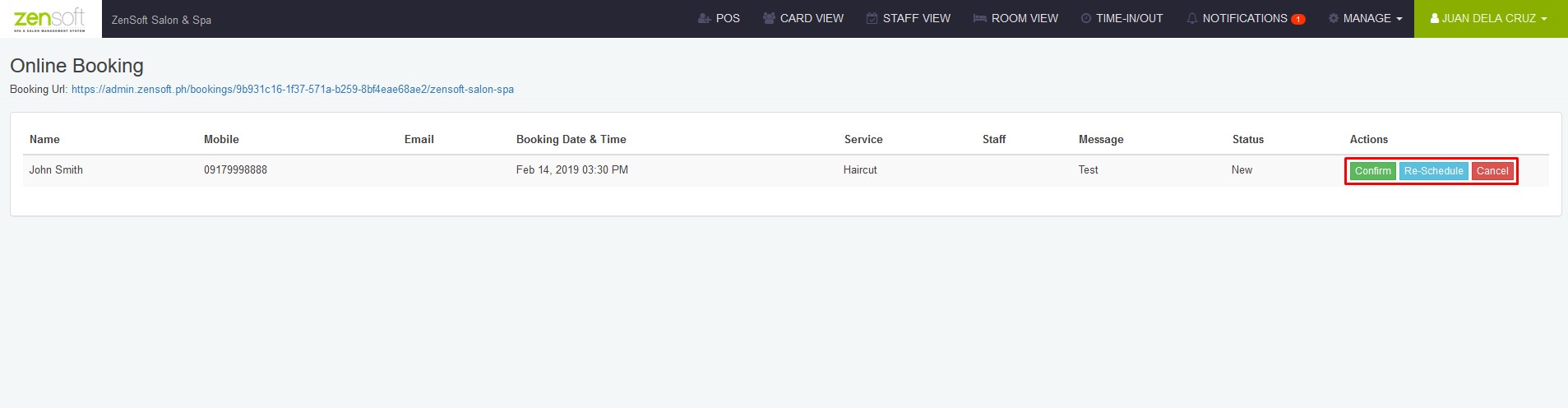
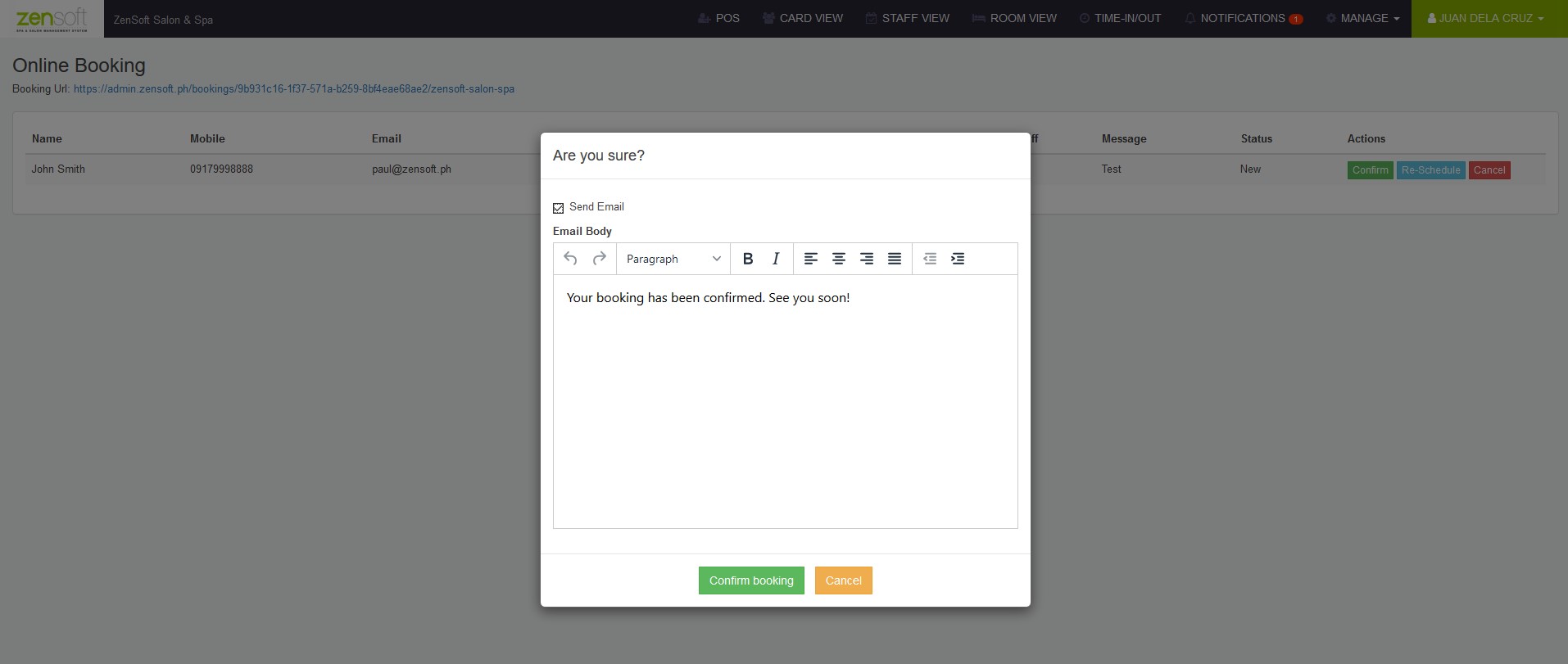
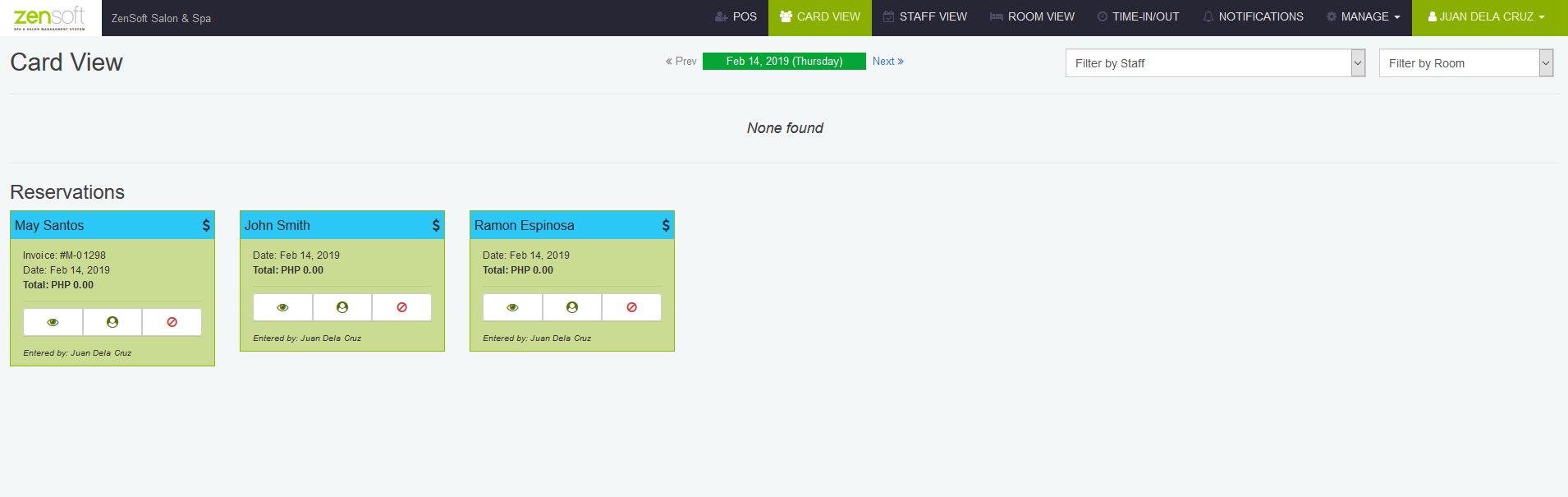
You can assign the email address where the client can reply to by following these easy steps:
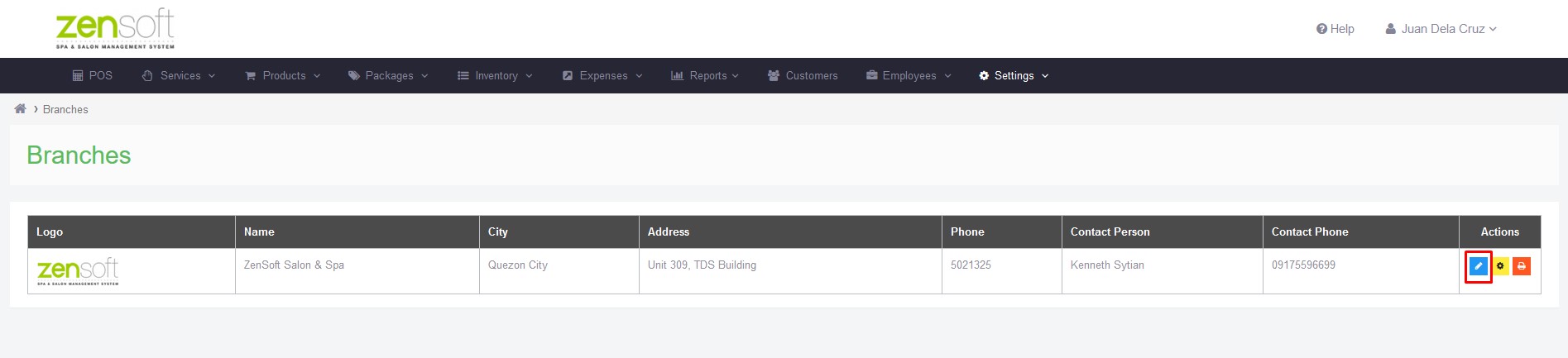
1.) Go to Settings > Branches.
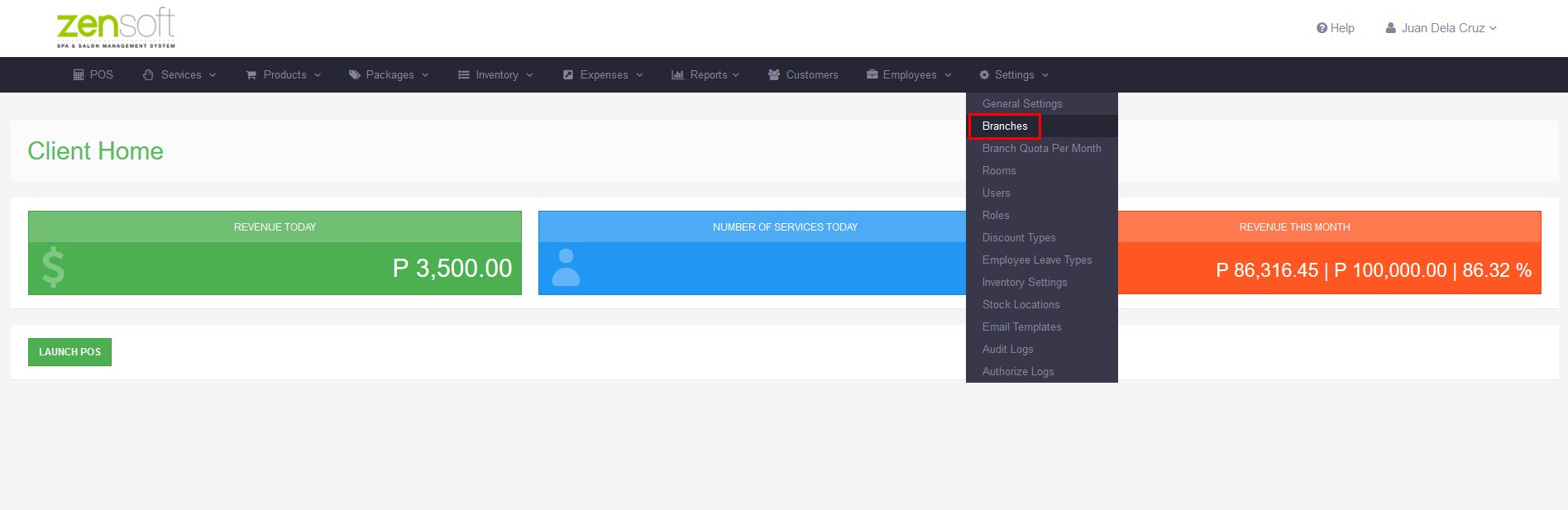
2.) Click on the Edit Branch button (pen icon).
3.) Fill up the Reservation Email field.
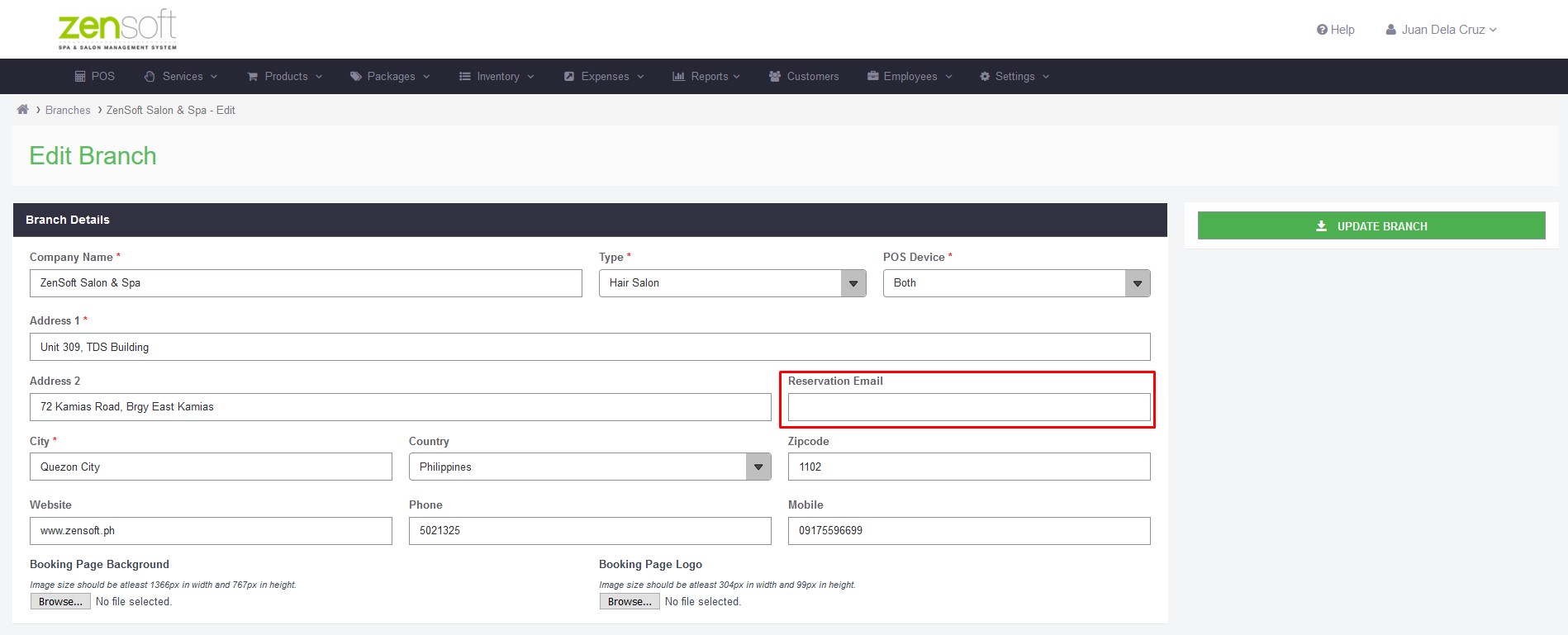
4.) Click on Update Branch.
Here’s how you can edit your email templates:
1.) Go to Settings > Email Templates.
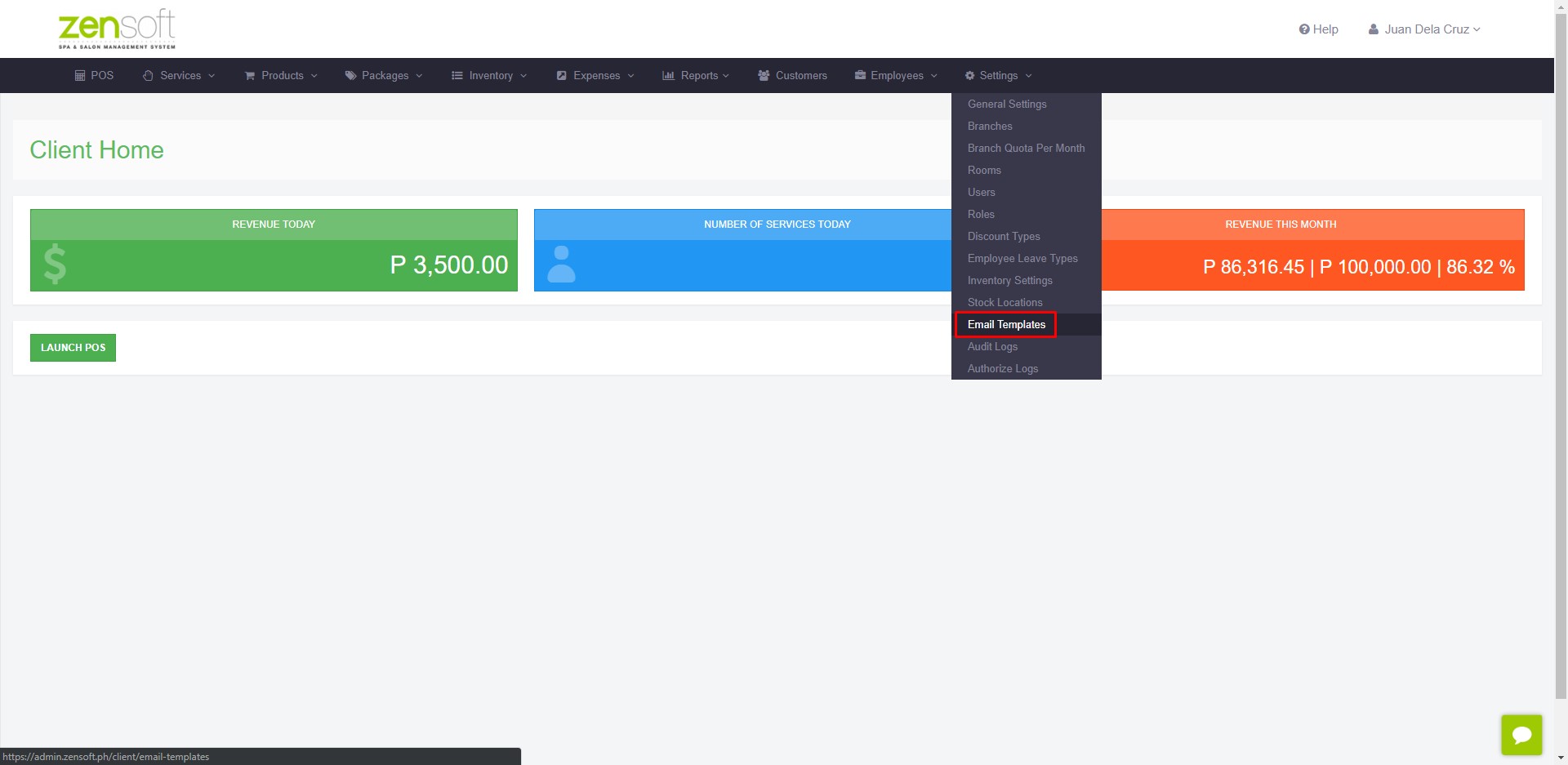
2.) Click on the Edit (pen icon) button on each template category.
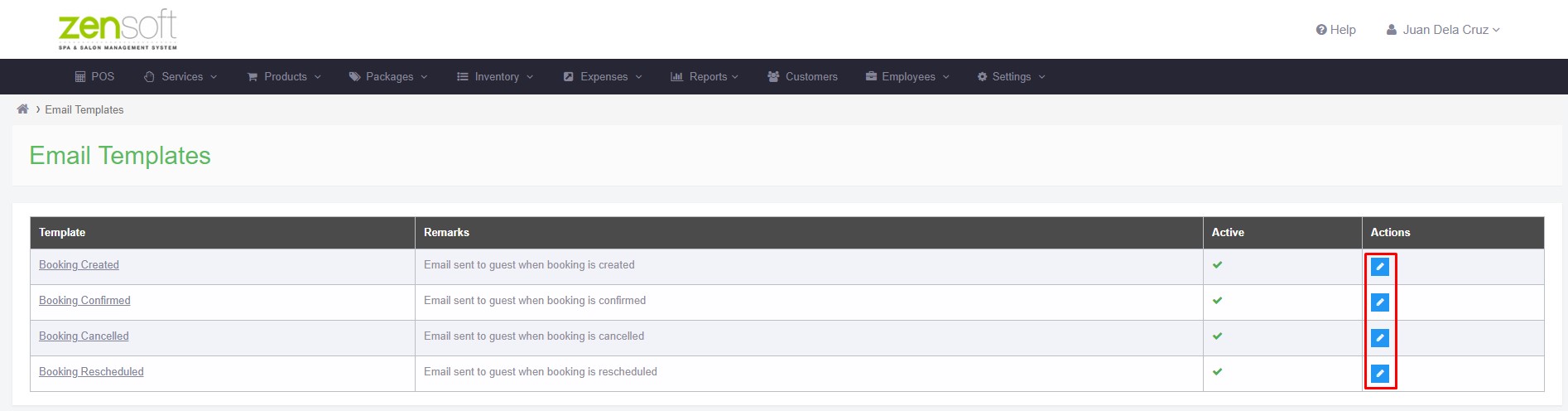
3.) Edit the content of your email.
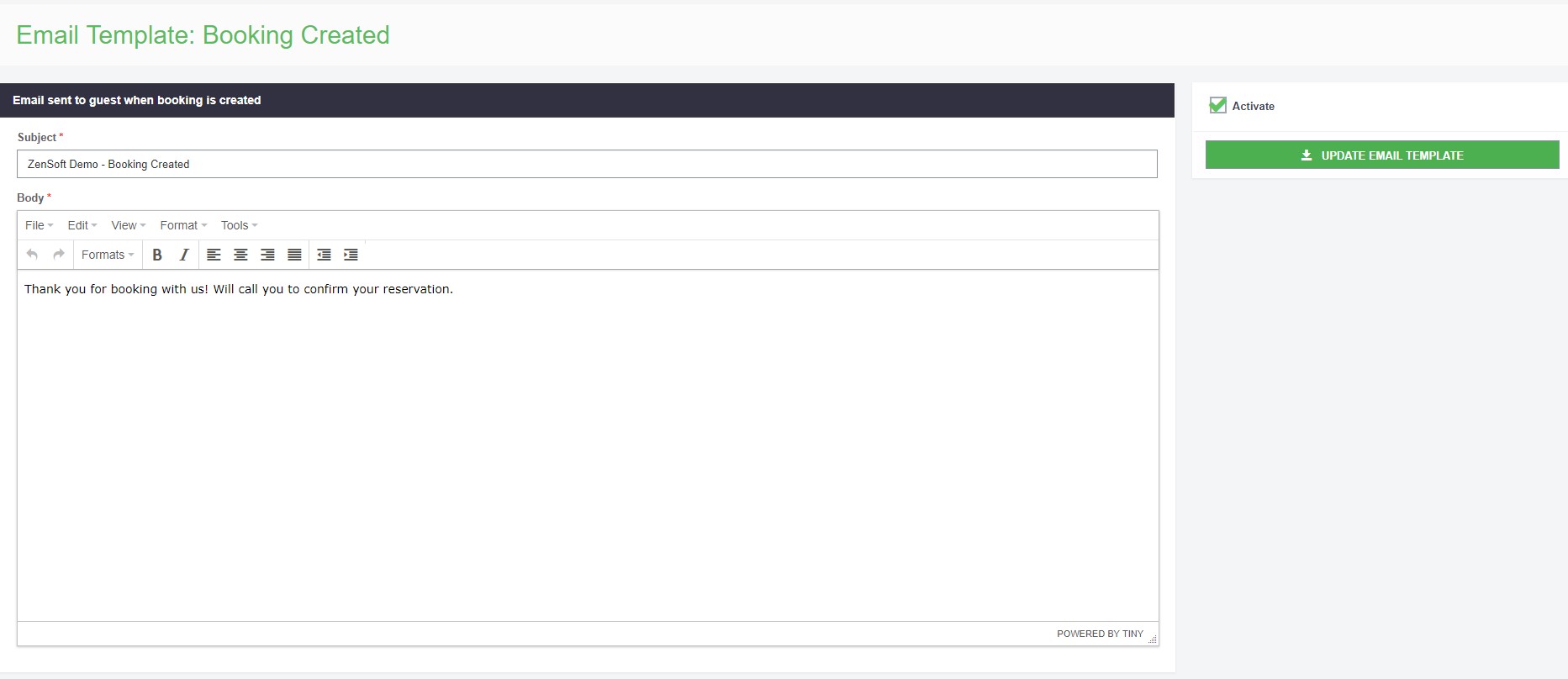
4.) Click on Update Email Template.
Best part is you can also contact our support team for assistance in setting this up.
This feature is available for desktop POS users. We will be launching the tablet version soon!
Stay tuned for more updates! 😊